Before you buy: check, buy, get your Founder role
Check your computer, buy the Founder Edition on metawrap.ai, and get your Founder role on the MetaWrap Discord.
For: Everyone, before buying
Before you begin
- A Windows PC
- Blender and Unreal Engine with MetaHuman
What you will complete
- You know your PC is ready
- Founder Edition bought on metawrap.ai
- Licence and downloads in My MetaWrap
- Founder role on Discord
Check your computer
Windows, Blender and Unreal Engine with MetaHuman are required. The rest are the specs we tested and recommend.
- 1.1Required: Windows 64-bit (macOS and Linux are not supported), Blender 5.0–5.2 (5.2 LTS recommended), Unreal Engine 5.6–5.8 with MetaHuman.
- 1.2Tested and recommended: 16 GB of RAM or more (more helps with 8K maps and Unreal Engine open), an NVIDIA RTX GPU with 8 GB of video memory or more, about 1 GB of disk, and internet for activation and updates.
- 1.3Not sure? Run the free System Check in Blender: green or yellow, you are good to go.
- 1.4Red? Don't buy yet: send us the report on Discord or at hello@metawrap.ai, and we'll tell you honestly.
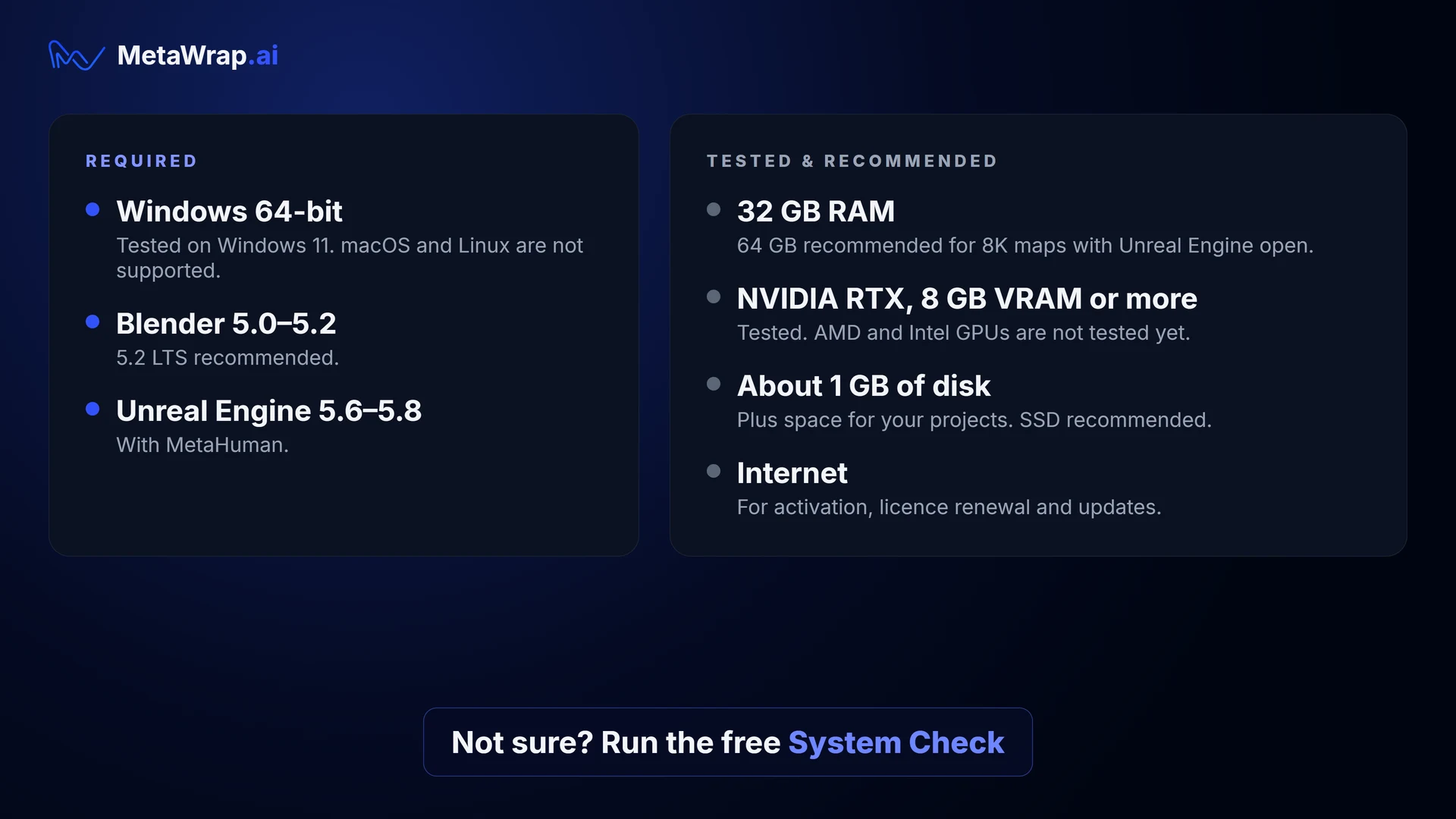
What you need
Required on the left; tested and recommended on the right.
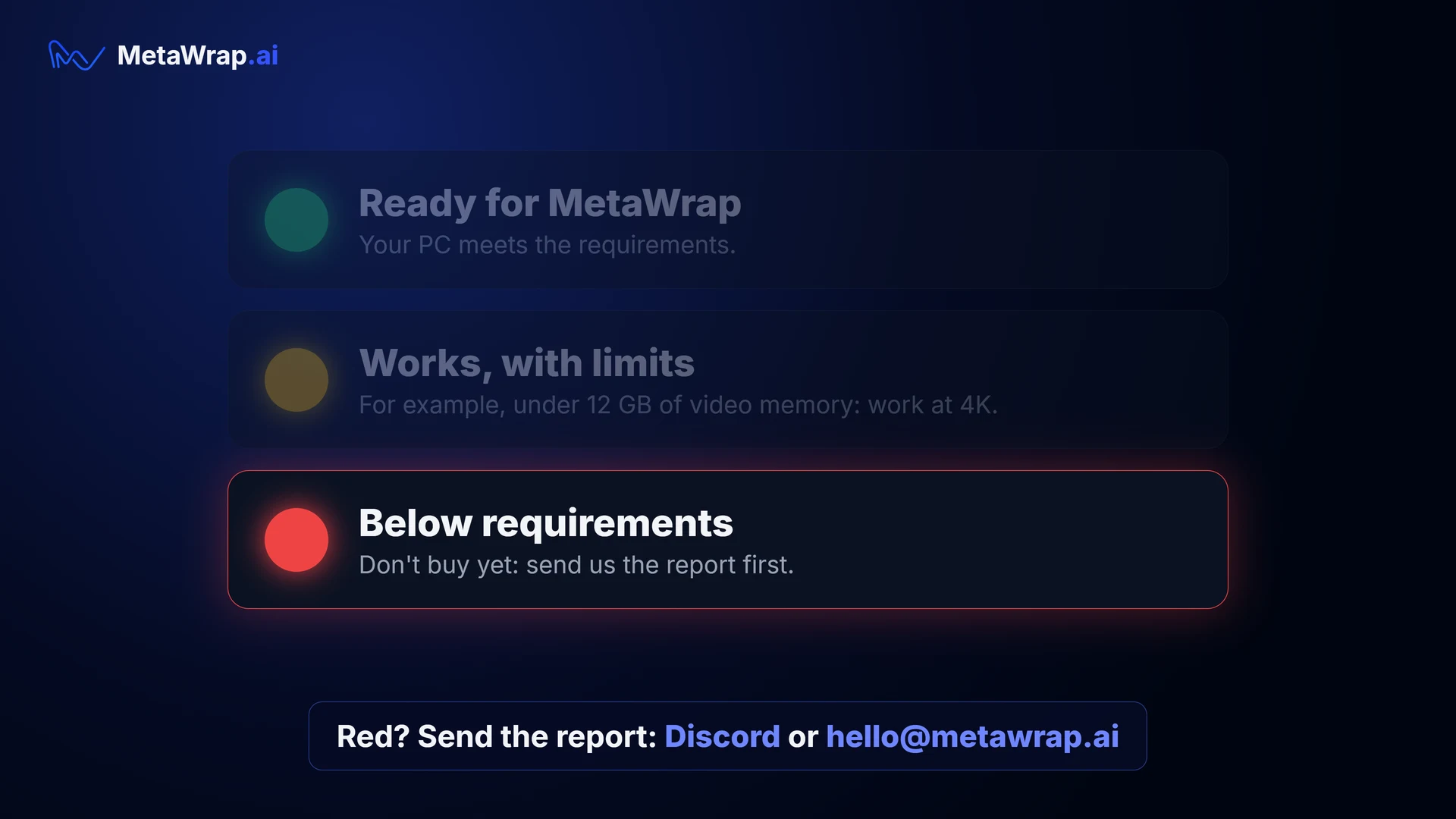
The System Check lights
Green or yellow: go ahead. Red: send us the report first.
Buy on metawrap.ai
MetaWrap is sold only on metawrap.ai. Checkout takes a minute.
- 2.1Open the Founder Edition page and click ADD TO CART.
- 2.2Have a discount code? Type it and press APPLY.
- 2.3Sign in with your e-mail right in the cart: we send you a short code, and your cart stays as it is.
- 2.4Tick the two boxes and press CONTINUE TO SECURE CHECKOUT: you pay with Stripe.
- 2.5You receive a receipt and an invoice by e-mail from Stripe / Link, our payment partner. VAT is added where applicable.
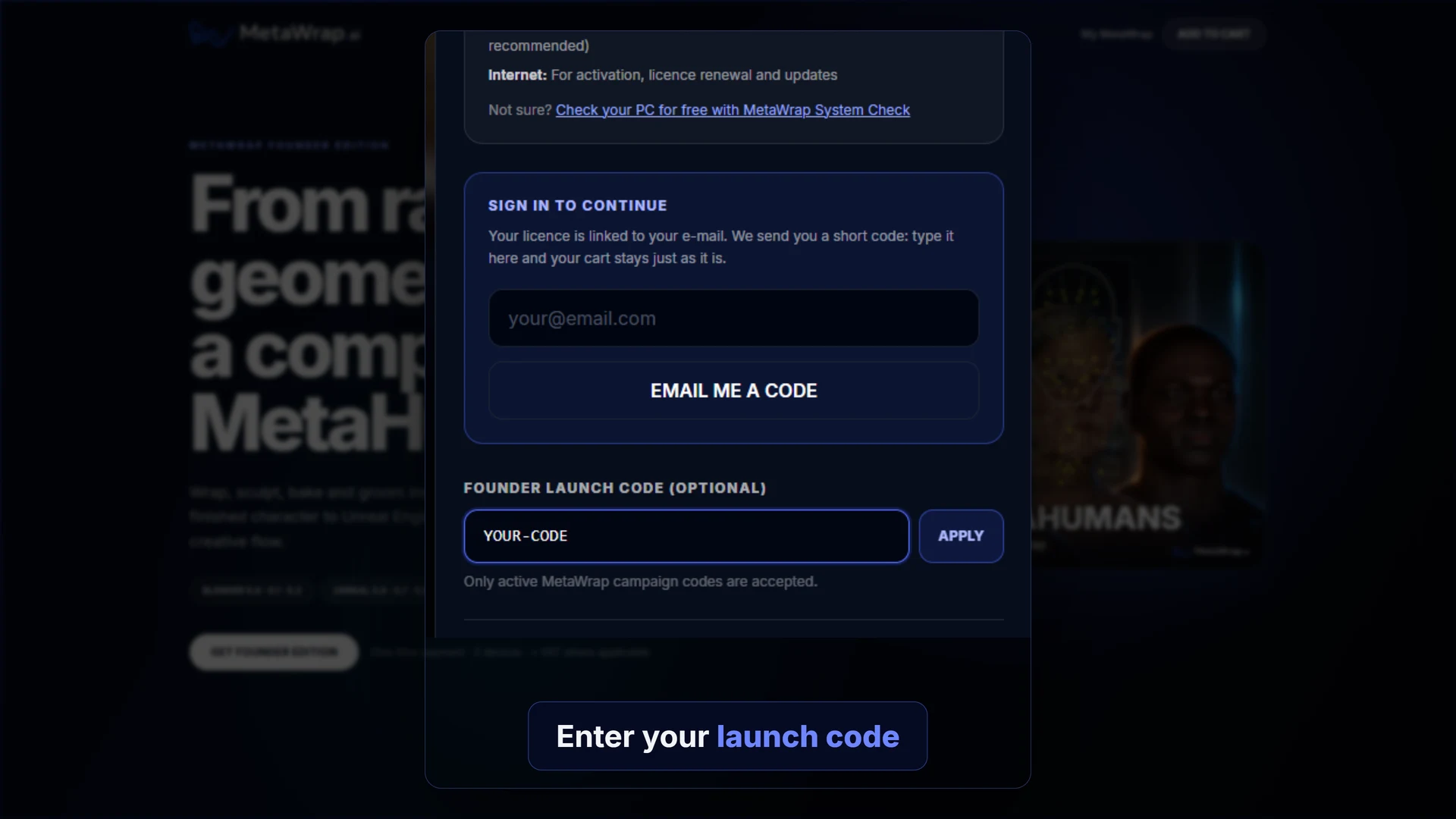
The cart
The discount code field and the e-mail sign-in, both inside the cart.
Your Founder Edition
Right after payment, everything is in My MetaWrap.
- 3.1My MetaWrap shows your License Key and the downloads: MetaWrap Core, Founder Content, MetaGroom and the Unreal Bridge.
- 3.2A welcome e-mail lists the next steps.
- 3.3One licence, two computers at a time.
- 3.4Next: Get MetaWrap running.
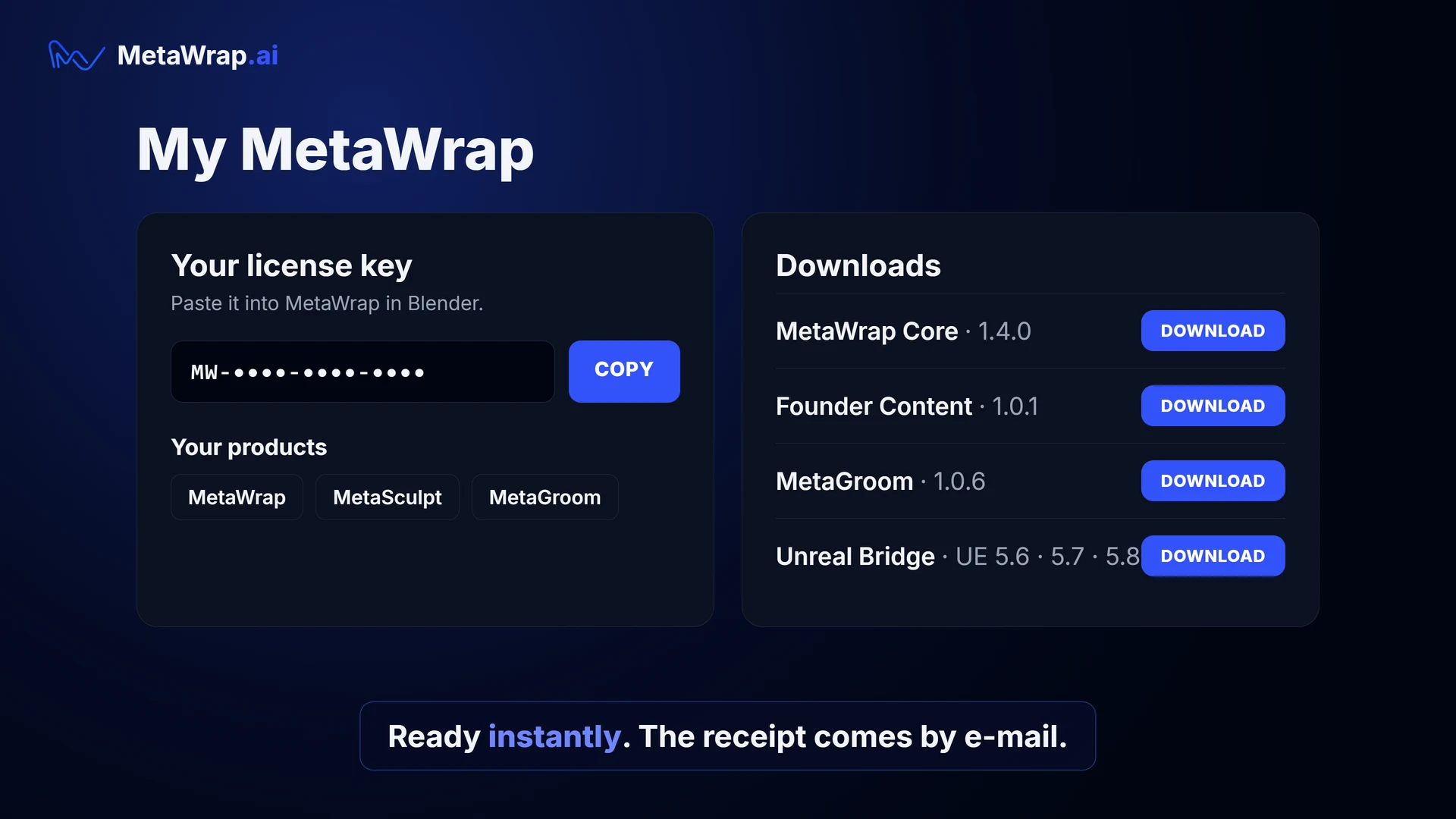
My MetaWrap
Your License Key and downloads, ready instantly.
Get your Founder role on Discord
Founders get their own channels on the MetaWrap Discord.
- 4.1In My MetaWrap, press GET YOUR DISCORD FOUNDER ROLE.
- 4.2Sign in with Discord and press Authorize. If you are not in the server yet, you are added to it.
- 4.3The Founders channels open: beta previews, release notes, direct support, and a vote on what we build next.
- 4.4Disconnect Discord at any time from My MetaWrap. Beta testers get the Beta Tester role the same way.
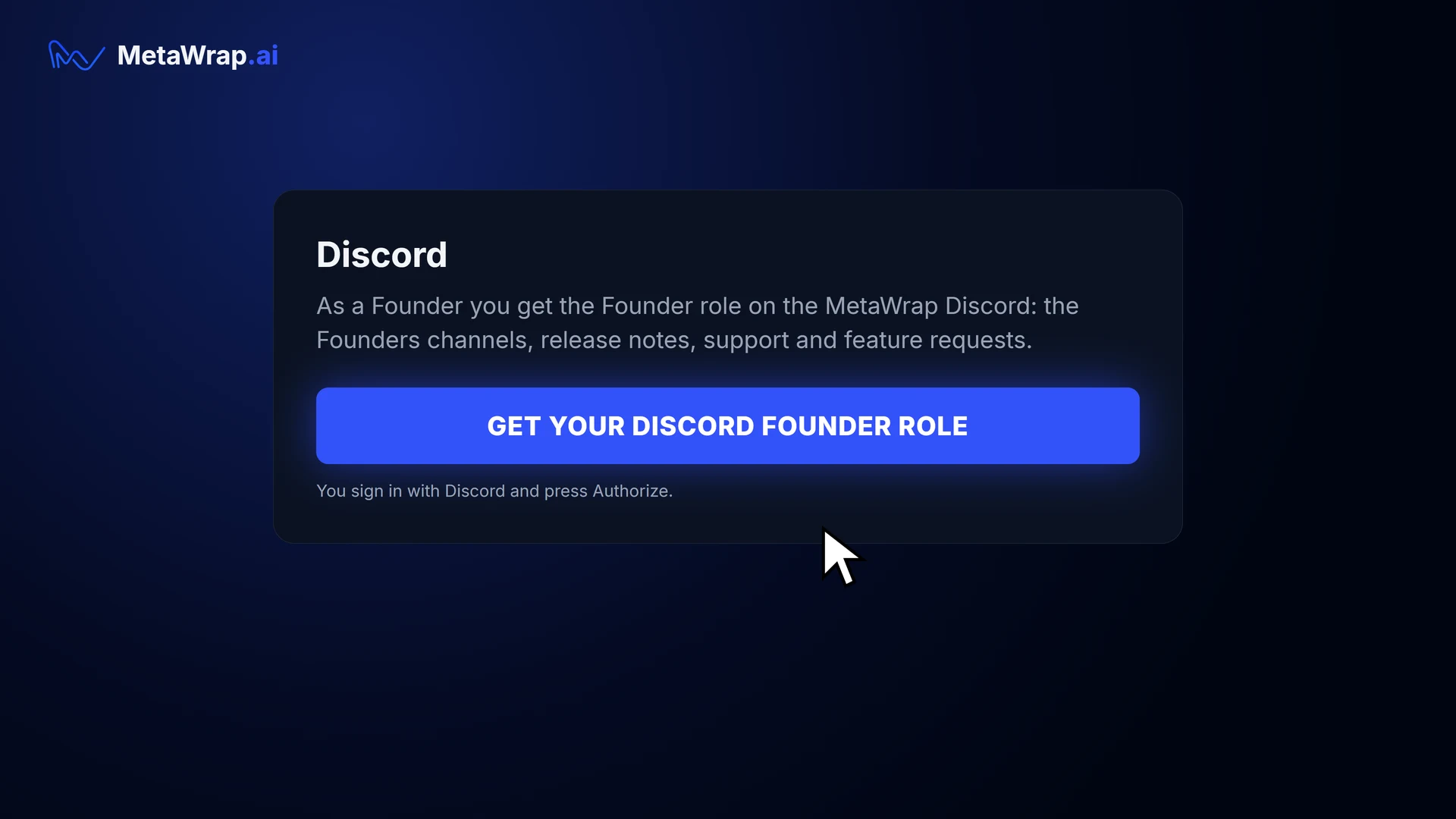
Get your Discord Founder role
One button in My MetaWrap.
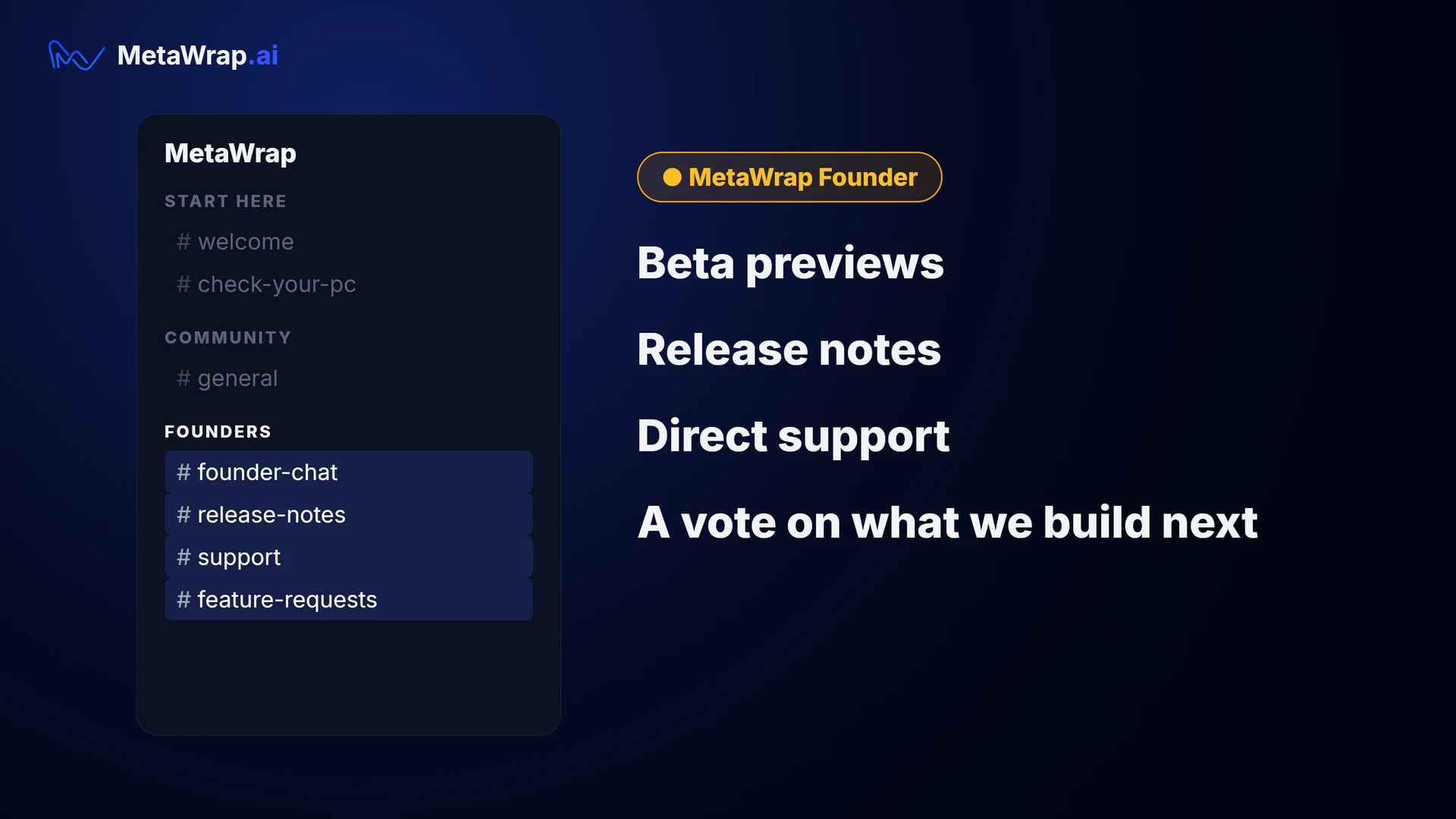
The Founders channels
The Founders channels on the MetaWrap Discord.
If something doesn't work
Don't buy again and don't wait: write to us.
- 5.1Write to hello@metawrap.ai or on the MetaWrap Discord: we'll sort it out.
- 5.2Before buying, please read the Refund Policy.