MetaWrap Guide
Pick where you start. We'll walk you through it.
Every tutorial goes one step at a time, with the same names and icons you see in the add-on.
Before anything else
Made for human faces and bodies
MetaWrap turns human heads and bodies into MetaHumans. Stylized characters work as long as they stay close to a human shape. Monsters and creatures are not what it is built for.
- • It is how MetaHuman works. MetaHuman is human by design: its face rig and expressions follow FACS, the system that describes how a human face moves.
- • The automation follows the same anatomy. Landmarks, wrap and Expression Check expect human eyes, nose, mouth and proportions.
- • Manual work can take you further. With enough of it almost anything is possible, and after the wrap you can sculpt your character as stylized as you like. The automatic steps, though, are made for humans.
The panel works in steps
The MetaWrap panel is built as numbered steps, from top to bottom. Work through them in order: a tick marks each finished step.
- 1Step 1: Import Assets
- 2Step 2: Choose Wrap Method
- 3Step 3: Wrap
- 4Step 4: Bake & Paint
- 5Step 5: MetaSculpt
- 6Step 6: Export
Some buttons appear only at their step. Load Body, for example, comes after a head wrap, in Step 3: Wrap. A full body doesn't need it: the body is already there.
Not bought yet?
Before you buy
Check your computer, buy on metawrap.ai and get your Founder role.
First time? Start here
Get MetaWrap running
From your purchase to the MetaWrap tab in four steps.
Golden rule
Let MetaWrap drive
MetaWrap is a guided pipeline built around its own layout. Blender lets you do anything, but doing it in the middle of a project can break the pipeline.
- • Move between steps and modes with the buttons in the MetaWrap panel.
- • Save and reopen only with the dedicated buttons in the MetaWrap panel, not File > Save or Open.
- • Don't switch modes or open new workspaces by hand while a project is open.
Once your character is in Unreal, Blender is all yours.
Step 1
Where does your character start?
Generate a new head, or wrap your own model with one of the three Import Assets modes.
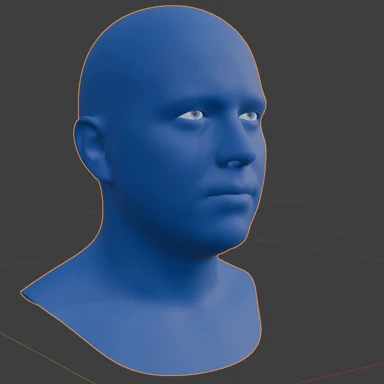
GNM Head
No model to start from? Generate a unique head and send it to MetaWrap.
5 steps · ~8 minStart →
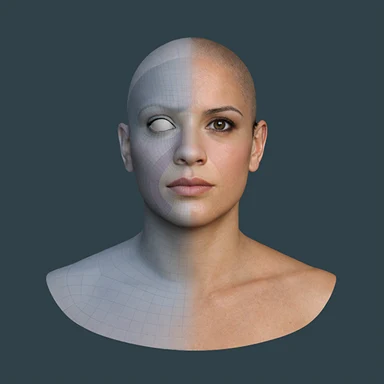
Wrap Full Head
Your head becomes a MetaHuman head with MetaHuman eyes and teeth.
8 steps · ~12 minStart →
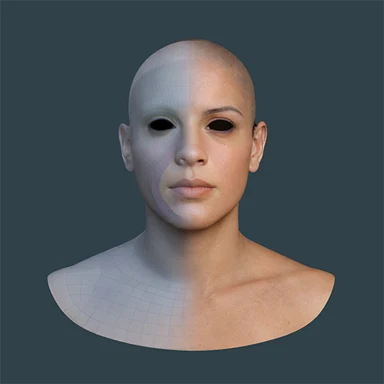
Wrap Head Only
Only the head surface, without MetaHuman eyes and teeth.
8 steps · ~12 minStart →
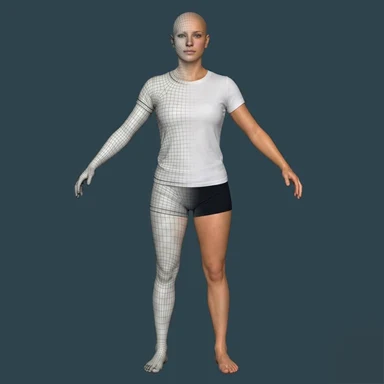
Wrap Full Body
Head and body wrapped together with Auto Full Body or Manual, then an optional A-pose.
6 steps · ~15 minStart →
Step 2
Finish your character
Body, texture, project management, detail, Unreal and groom, in the order you need them.
Add a body
Join a body to the head with a clean neck seam, then shape it with the Body Generator.
6 steps · ~10 minStart →
Texture
Project the source colour onto the MetaHuman UVs and rebuild damaged areas with Smart Paint.
2 steps · ~8 minStart →

Manage Project
Save and resume from the panel, and mix heads and bodies between projects.
3 steps · ~6 minStart →
MetaSculpt
Bring back scan detail, sculpt non-destructively and bake the final maps.
7 steps · ~15 minStart →
Push to UE5
Save the project and send head, body and maps to Unreal in one click.
4 steps · ~8 minStart →
MetaGroom
Move grooms between Unreal and Blender and install the matching Bridge.
5 steps · ~10 minStart →
Stuck somewhere?
Record it, export the log, and send it by email or on Discord.
Open the support guide →