A one-time setup. MetaGroom and its Bridge are included with Founder Edition, and the Bridge must match your exact Unreal version.
Unreal Engine 5.8: Push to UE5 needs the Alembic Groom Importer plugin, which is turned off by default. Open Edit > Plugins, search for Alembic Groom Importer, enable it and restart Unreal.
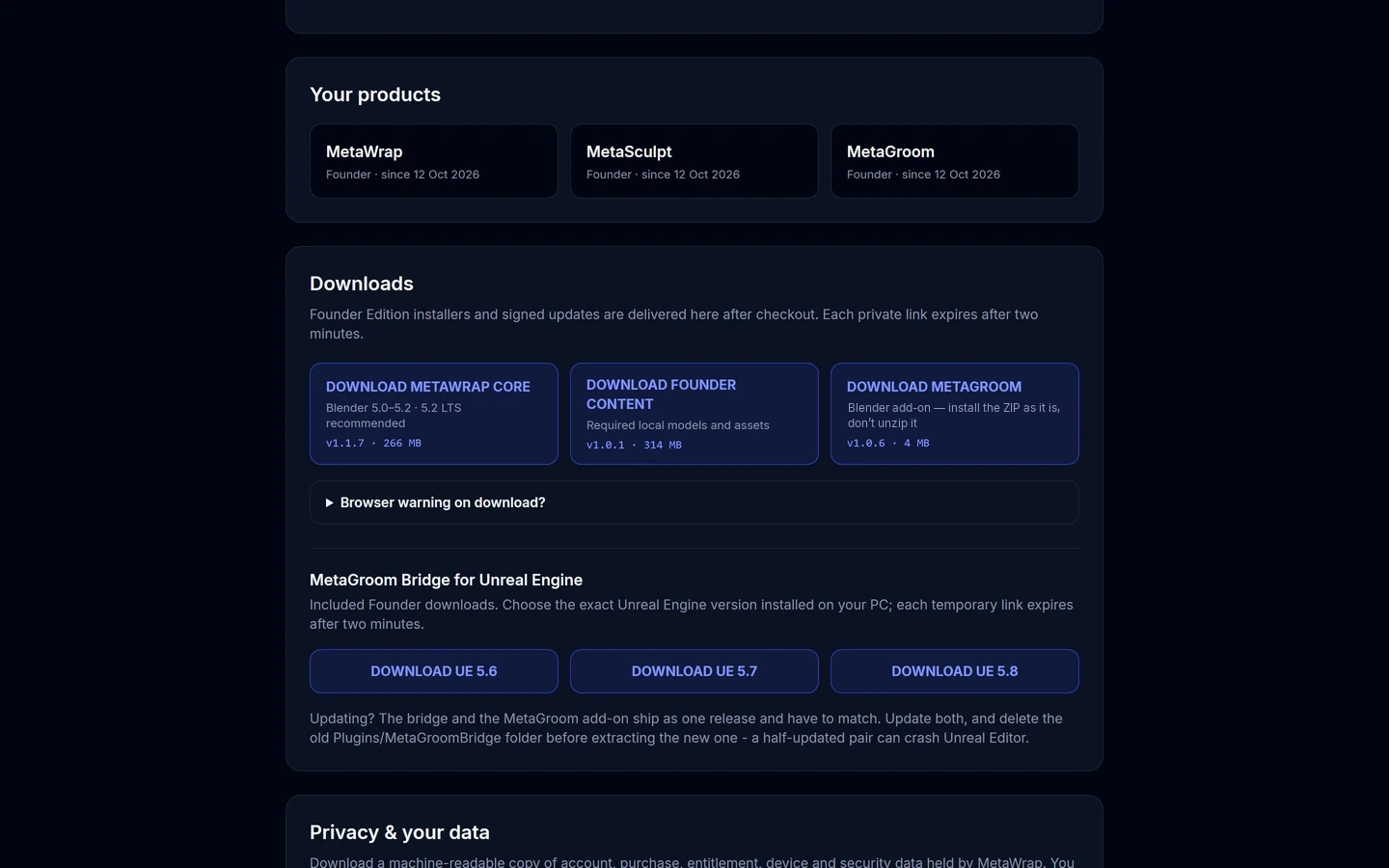
Choose the MetaGroom Bridge version
Choose the MetaGroom Bridge version
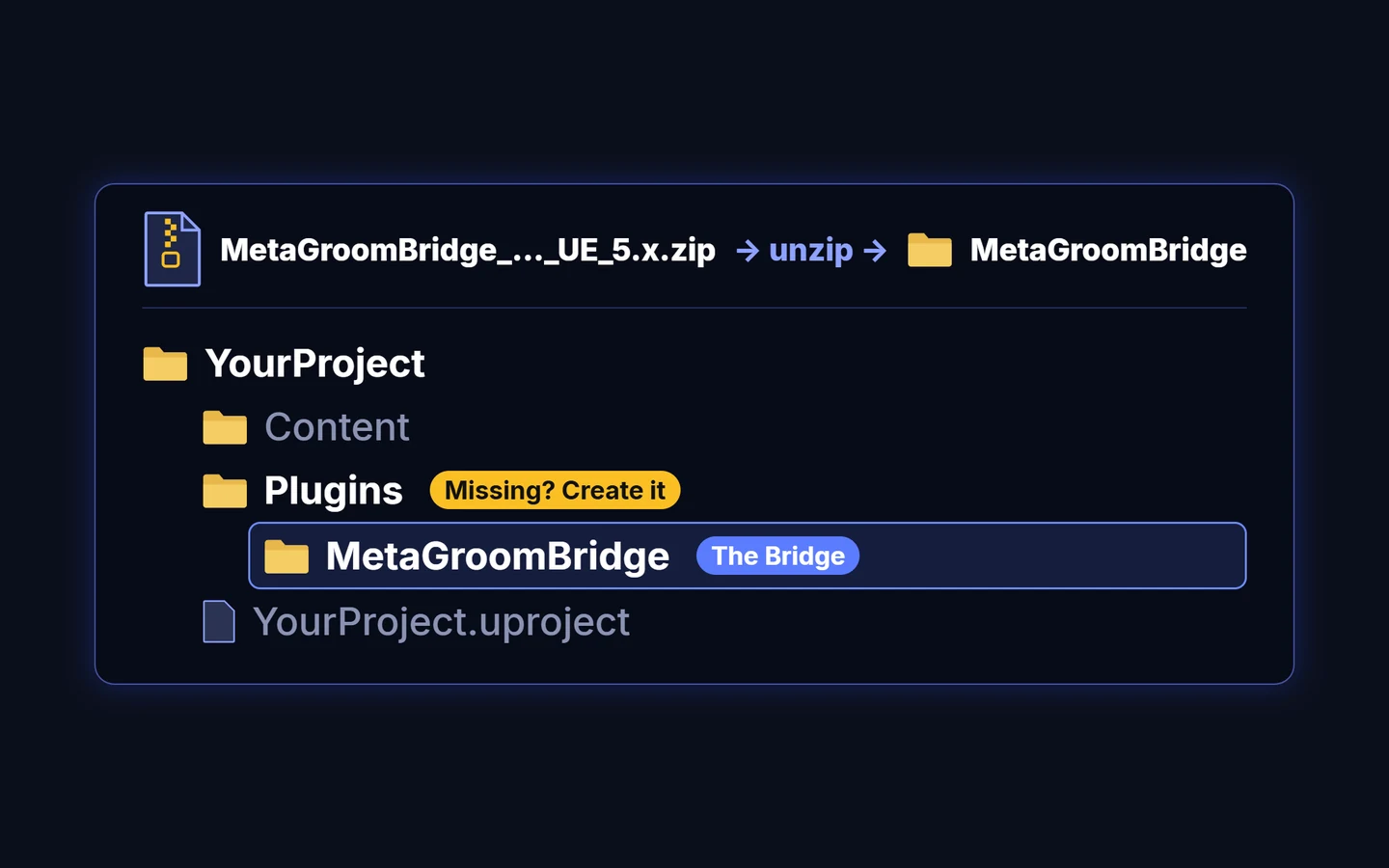
The Bridge in your project's Plugins folder
Unzip the Bridge and copy the MetaGroomBridge folder into YourProject/Plugins.