Step 1
Import your head and choose Wrap Head Only
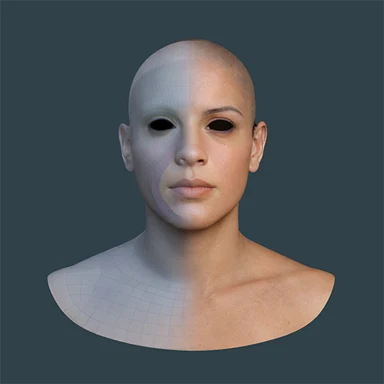
Head Only wraps the head surface alone: the MetaHuman eyes and teeth are not added.
Your model
- One single mesh. What you wrap must be one mesh, never several pieces, and with no accessories: no separate hair, eyebrows, eyelashes, glasses, clothes or jewellery.
- A human face or body. Stylized is fine if it stays close to a human shape; monsters and creatures are not supported by the automatic steps.
- File: OBJ is the best choice, then GLB, then FBX.
- Size: up to 2 million vertices is extensively tested. MetaWrap has no hard limit of its own, but very heavy files slow Blender down.
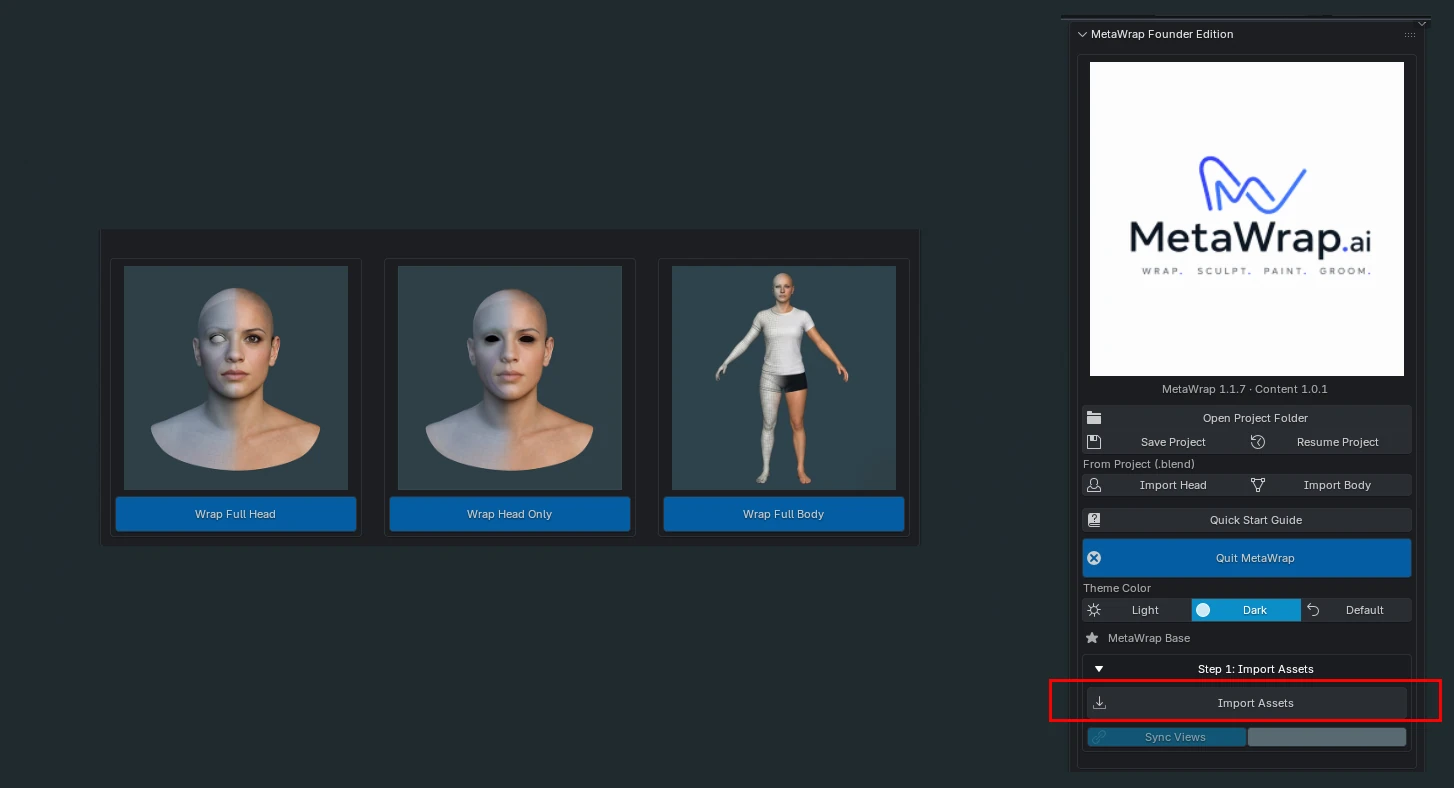
Import Assets is the button for your own model. Import Head and Import Body, inside the Import from Project (.blend) menu, do something else: they bring in a head or a body from another MetaWrap project you saved earlier.
Import Assets
Click Import Assets (red box), under Step 1: Import Assets, then pick the mode: Wrap Full Head, Wrap Head Only or Wrap Full Body.